
FLASH CACHE
The Super Accelerator for WordPress
A powerful plugin
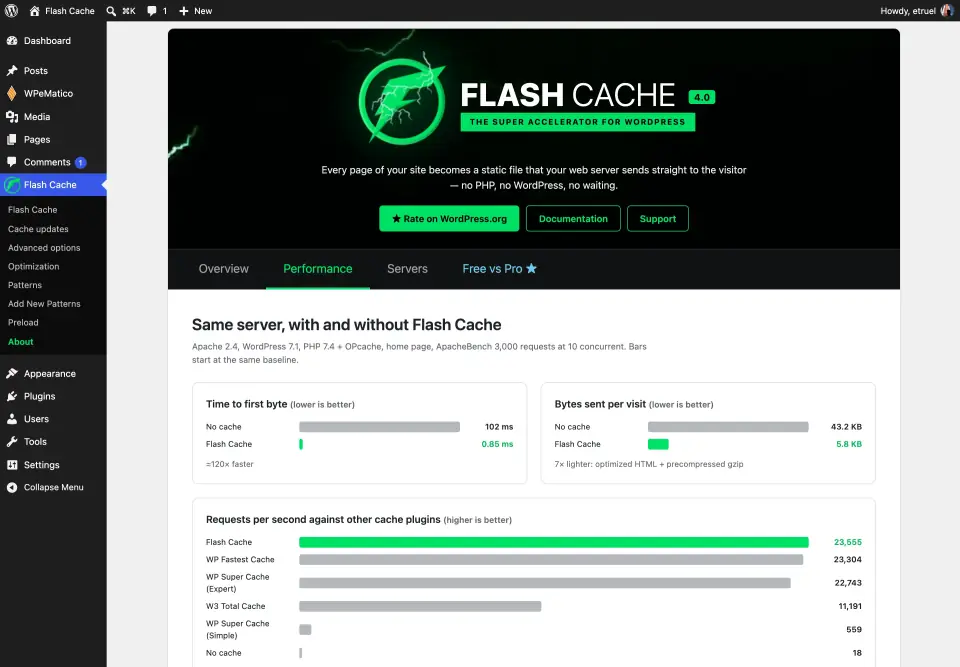
Every page of your site, served as a static file.
Flash Cache turns every page into a static file that Apache, nginx or LiteSpeed sends straight to your visitors, without starting PHP or WordPress. A cached page arrives in a few milliseconds and your server keeps its resources for the visitors and tasks that really need them.
It is built around one principle: performance comes first. Serving a cached page costs nothing, and keeping the cache fresh costs as little as possible.

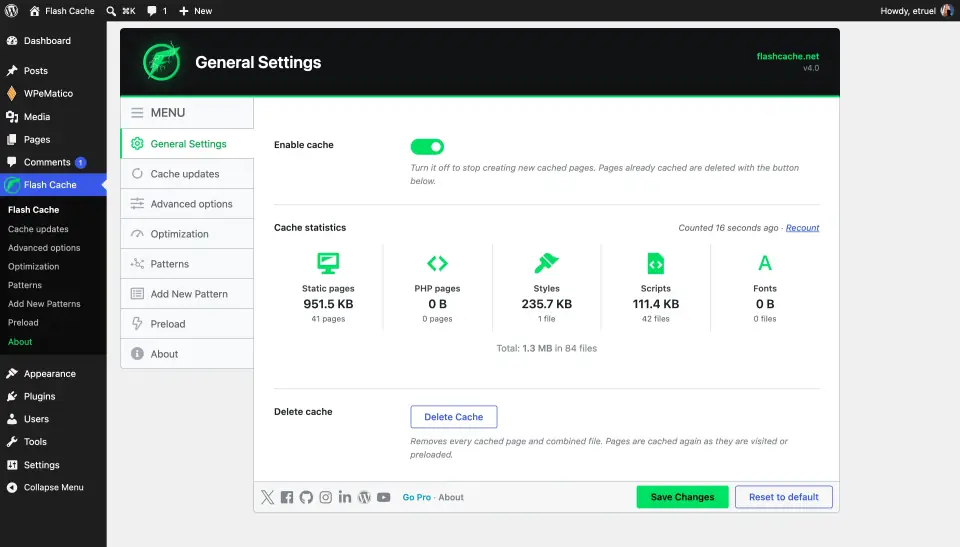
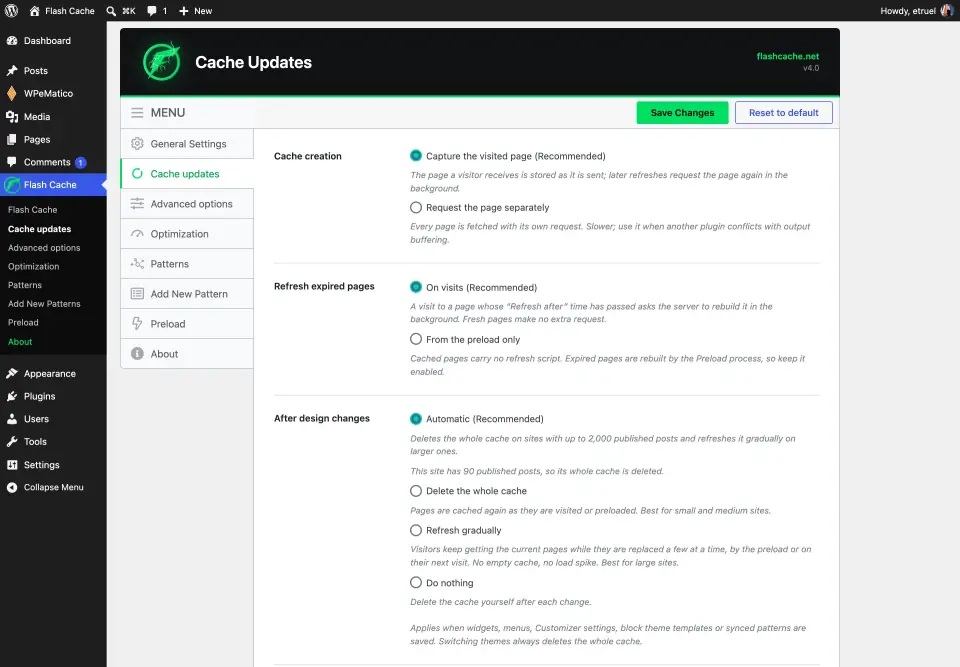
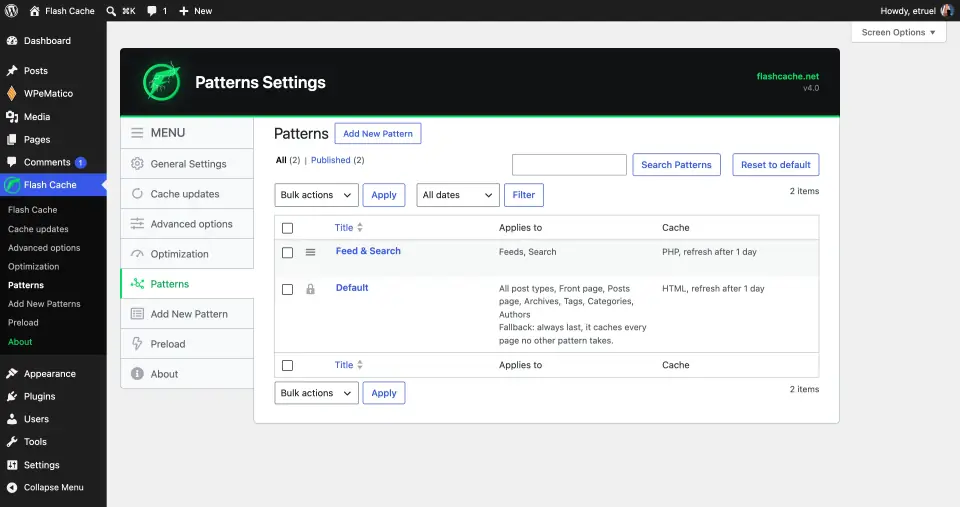
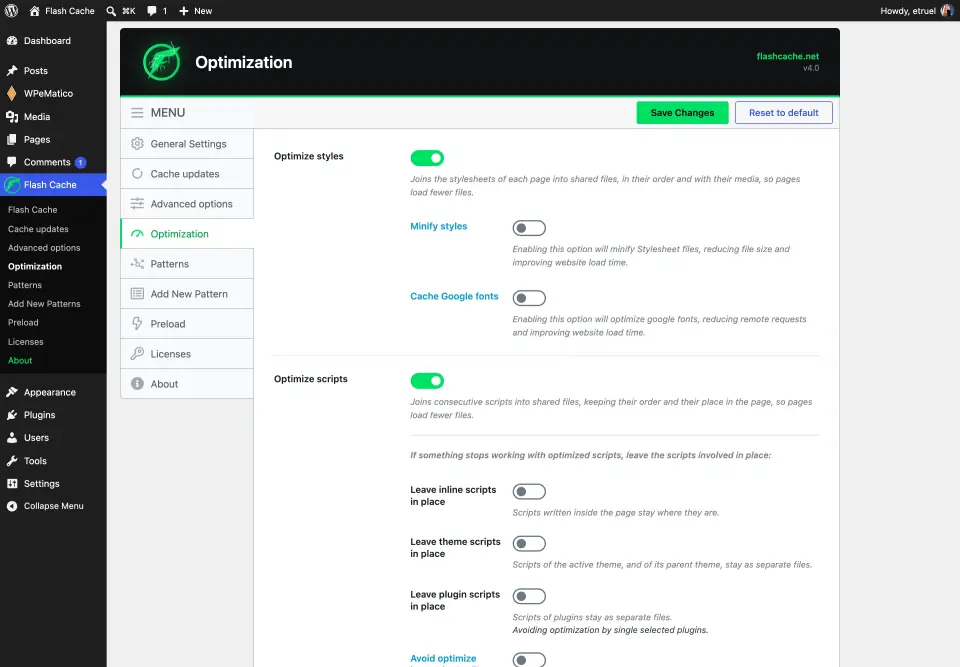
Everything you need, one screen at a time
Emptying the cache is instant
The files are set aside at once and removed in the background, so large sites never wait or time out, whatever the size of the cache.
Pages with query strings too
Search results and filtered lists can be stored in PHP mode. Visits with tracking parameters such as utm_* and fbclid share the same copy.
Visitors never meet an empty cache
Only one refresh per page runs at a time. New posts are rebuilt in the background right after you publish, and design changes replace pages a few at a time.
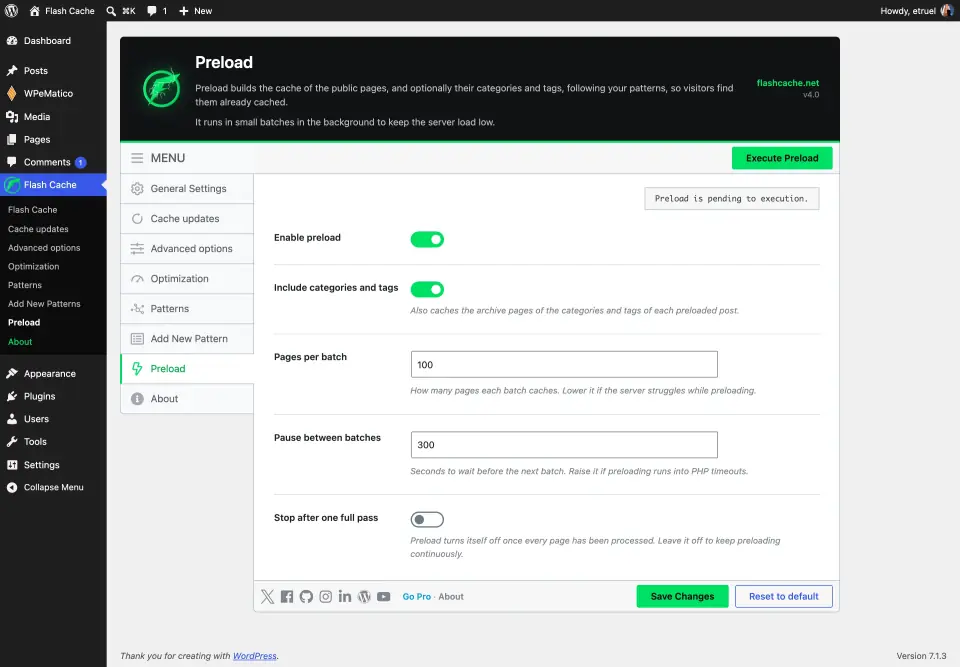
Preload the whole site
A background crawler warms the cache in small batches, with the batch size and the pause between batches under your control.
Lighter pages
Styles and scripts are combined into fewer files, read straight from disk and shared by every page that uses the same assets.
Faster for returning visitors
Every static page is stored ready-compressed with gzip, and the browser cache time is yours to choose.
Clean and portable
No drop-in files and no changes to wp-config.php. The server rules live in their own marked blocks, and deactivating the plugin removes the rules and the cache.
Know what is in the cache
Statistics show static pages, PHP pages, styles, scripts and fonts with their size and count, and they load instantly at any cache size.
Made for autoblogs and busy sites
Bulk publishing, such as a WPeMatico fetch, rebuilds each new post’s page and refreshes the home page and each archive once per batch.
Safe by design
Only GET and HEAD requests are cached, form submissions always reach WordPress, and logged-in users, commenters and protected posts are served live.
Light on your server
Settings are read once per request, patterns load from a single stored option, and on PHP-FPM the visitor’s connection is released before a page is rebuilt.
HTTPS ready
Redirect HTTP to HTTPS, with a Strict-Transport-Security header for your own host, also behind proxies and CDNs.
Works where your site runs
Four web servers, one plugin
Apache
Rules written to .htaccess in their own marked block, kept up to date for you.
nginx
Rules in an nginx.conf that you include once. The settings screen tells you when nginx needs a reload.
LiteSpeed Enterprise
Cached pages served straight from disk and compressed by the server, with the rules in .htaccess.
OpenLiteSpeed
The screen tells you when a restart is due and gives you the virtual host settings for browser cache headers, ready to copy.
Requires PHP 7.2 or later and WordPress 5.9 or later, on single WordPress sites. Tested with WPeMatico and its add-ons.
Any questions?
Frequently Asked Questions
How do I download Flash Cache FREE?
By clicking on the “Get Flash Cache FREE now!” button, you will automatically be taken to the download of the best super accelerator for WordPress.
Do I need Flash Cache PRO?
No. The free plugin is a complete page cache, with patterns, background refreshes, preload and style and script optimization. Flash Cache PRO funds its development and adds extras such as live widgets and blocks, the shared widget cache, minification and local Google Fonts.
How do I install and configure Flash Cache?
In this FAQ you will find a tutorial on how to install and configure Flash Cache.
Which web servers does it work with?
Apache, nginx, LiteSpeed Enterprise and OpenLiteSpeed, with PHP 7.2 or later and WordPress 5.9 or later. On nginx you include one file in the server block once, and the settings screen tells you when a reload is due.
Does Flash Cache work on WordPress Multisite?
No. Flash Cache writes its rules and cache folders for one site, so it can only be activated on single WordPress sites.
How many PHP workers does it need?
Cached pages are served by the web server alone, without PHP. Rebuilding a page in the background needs one free PHP worker besides the one doing the work, so we recommend at least 4 PHP workers.
Is the support free?
Support is FREE for ALL users. You can open a support ticket at any time. This only covers some help with ticket responses. However, with Premium Support we will go in depth and do our best to solve problems for you.
How can I help develop new features?
By purchasing Flash Cache PRO, you help us continue to develop new features with better and more powerful functionality.
Where can I learn about every feature?
In our Etruel FAQS section for Flash Cache you will find tutorials on every feature: https://etruel.com/faqs/flash-cache/
Can Flash Cache be used on non-WordPress sites?
No, Flash Cache was developed as a plugin for WordPress using all its technologies and innovations in security functions. Installed on its own to try to cache websites it would not perform any function.